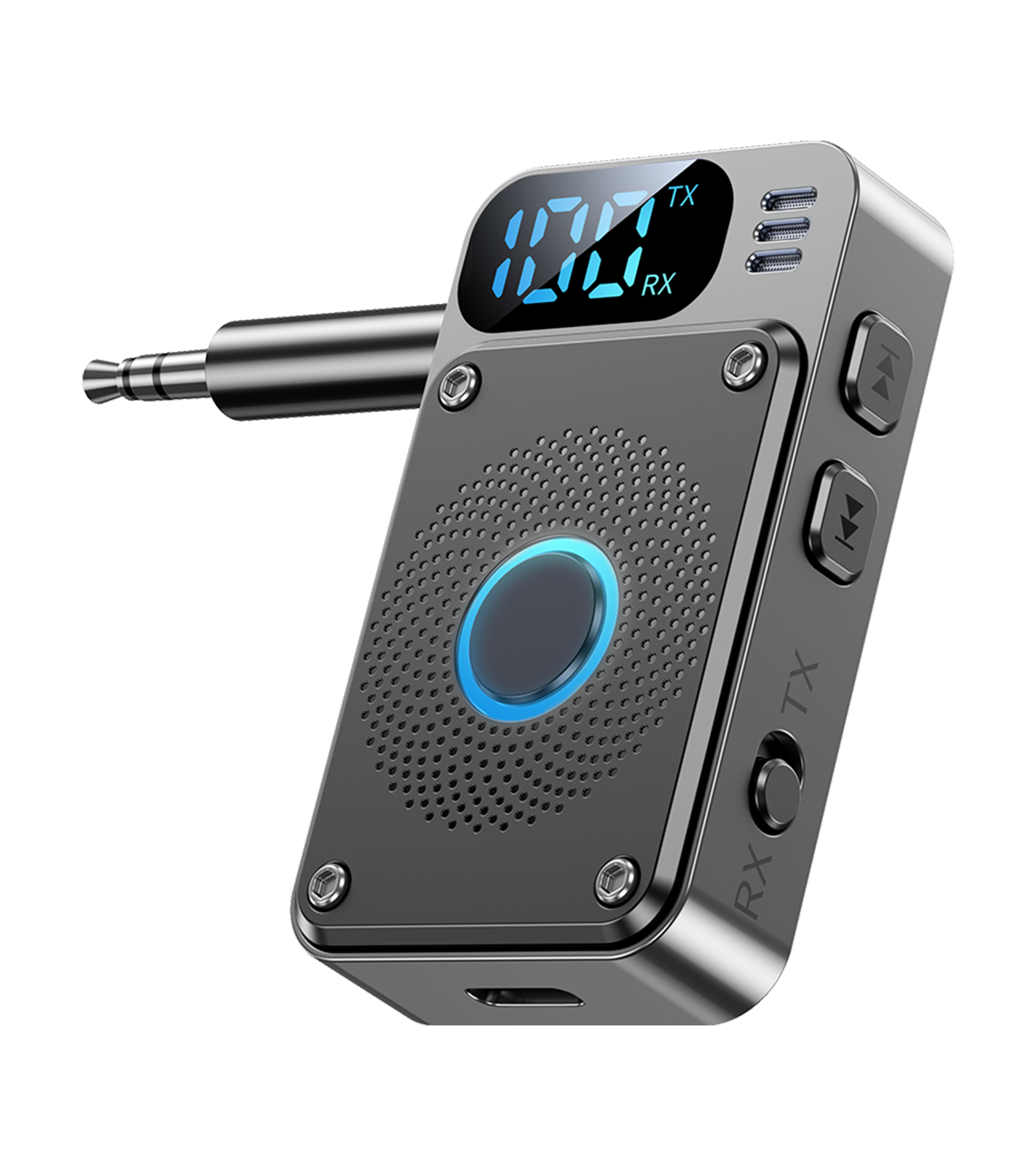
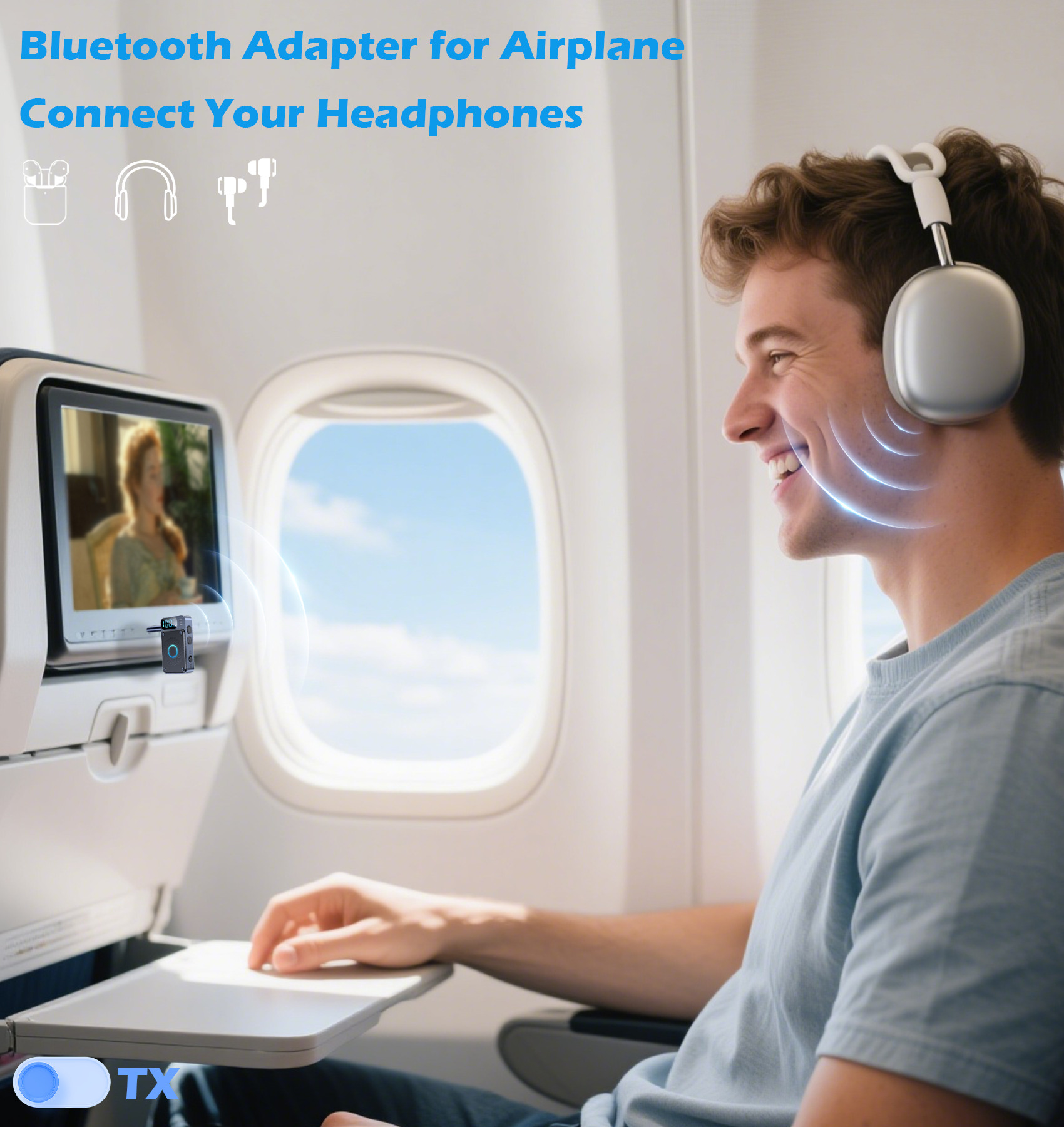
- YOUR IN-FLIGHT WIRELESS UPGRADE: Tired of tangled cords and limited movement? Plug this airplane Bluetooth adapter into any in-flight entertainment system and enjoy your movies or music wirelessly with your favorite Bluetooth headphones. The Bluetooth adapter for airplane has a 14-hour battery that lasts even on long-haul flights.
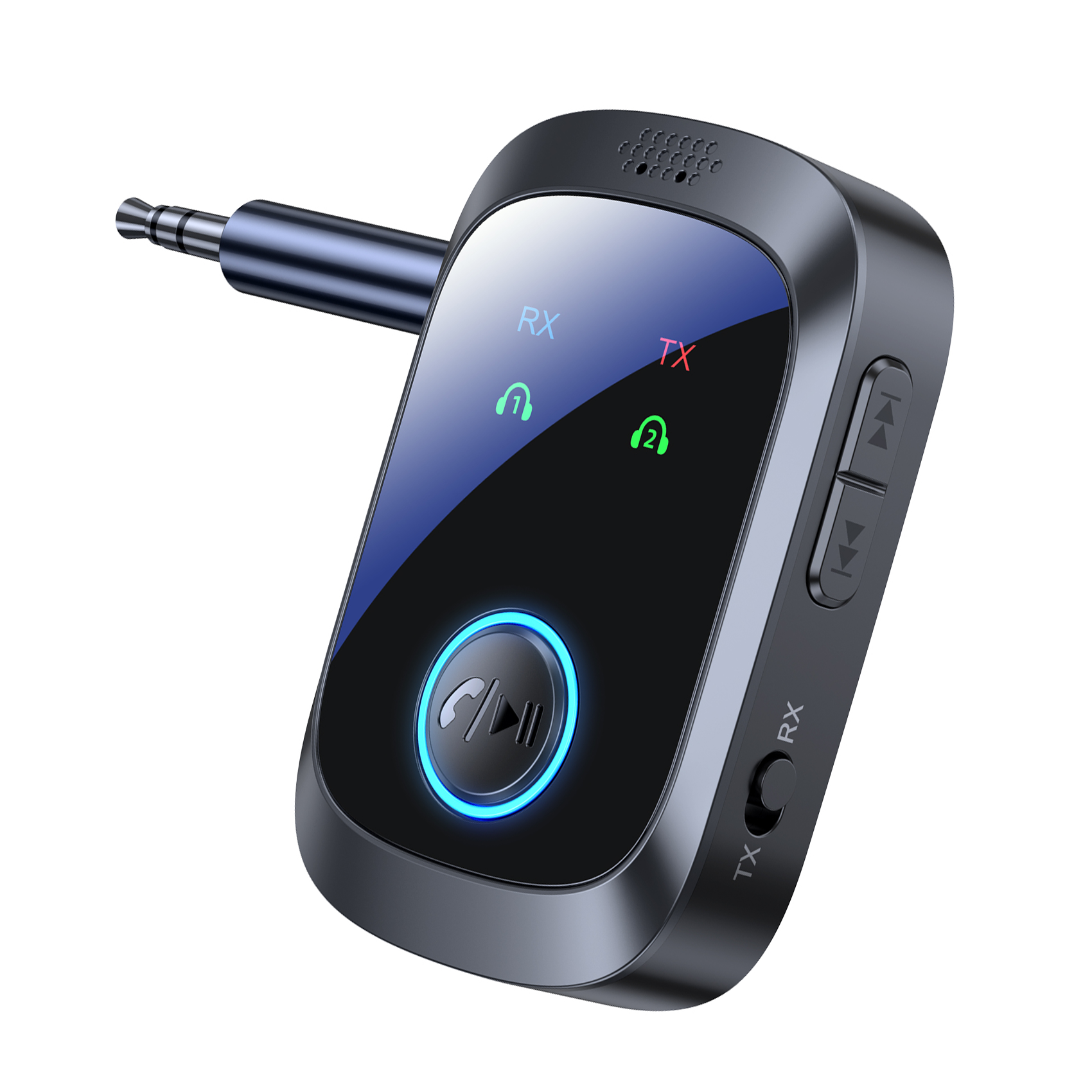
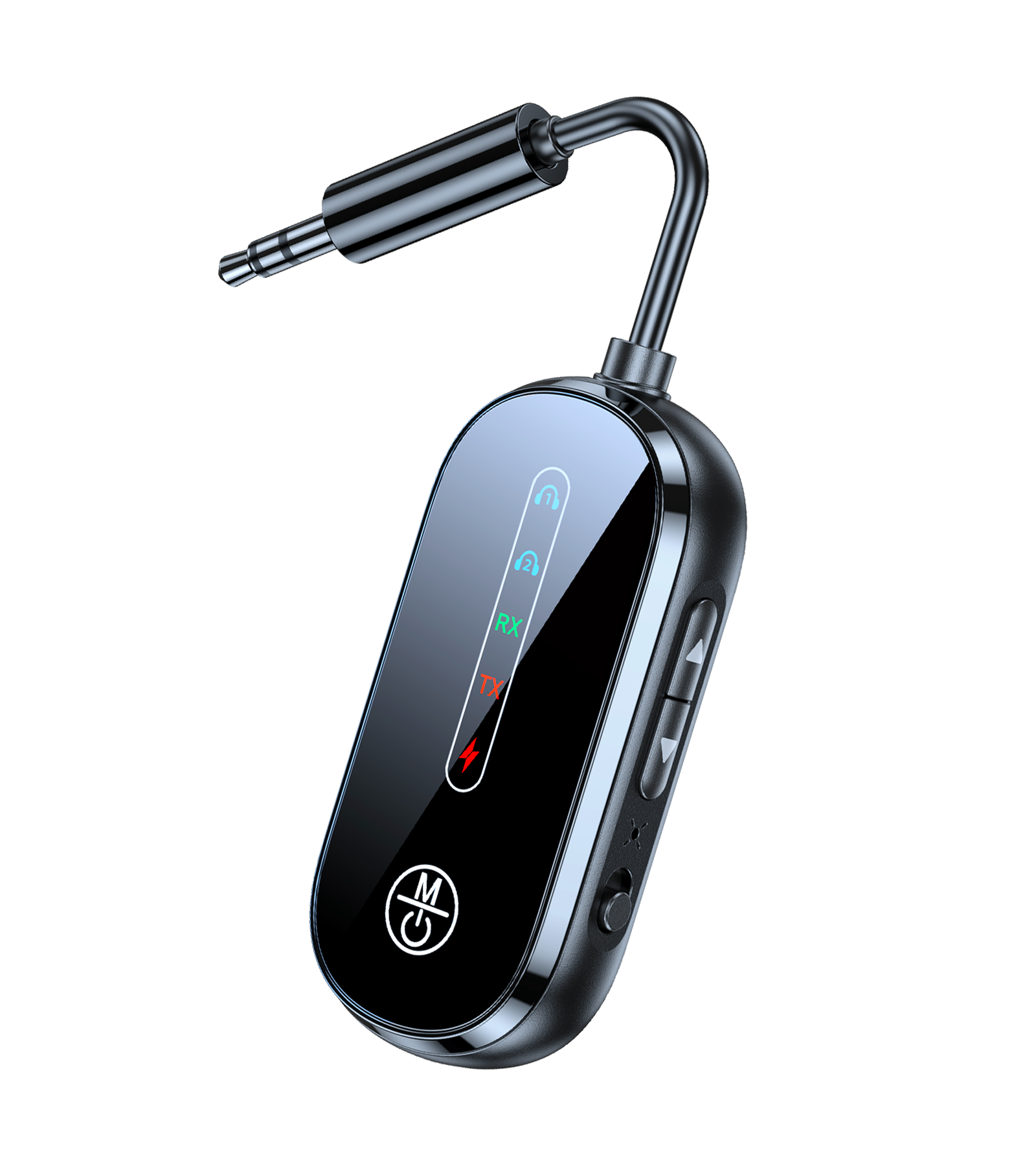
- 2-IN-1 VERSATILITY: TX (Transmitter) Mode: TV Bluetooth transmitter easily sends audio from any non-Bluetooth device—like airplanes, TVs, treadmills, or PCs—to your Bluetooth headphones or speakers. RX (Receiver) Mode: 3.5mm Bluetooth adapter streams music or calls from your smartphone or tablet directly to your wired car stereo, home speakers, or older audio systems.
- SMART LCD DISPLAY: Bluetooth car adapter upgraded LCD screen puts you in control—check the TX/RX mode, battery level, and volume at a glance. Recharge quickly with the included Type-C cable (full charge in ~2 hours) and enjoy uninterrupted, all-day use.
- LATEST BLUETOOTH 5.4 FOR STUDIO-QUALITY SOUND: Experience faster pairing, a stable 33-foot range, and crystal-clear HD stereo sound with advanced SBC codec support. The Bluetooth adapter for TV upgraded chipset reduces lag and dropouts, making it perfect for movies, gaming, and music.
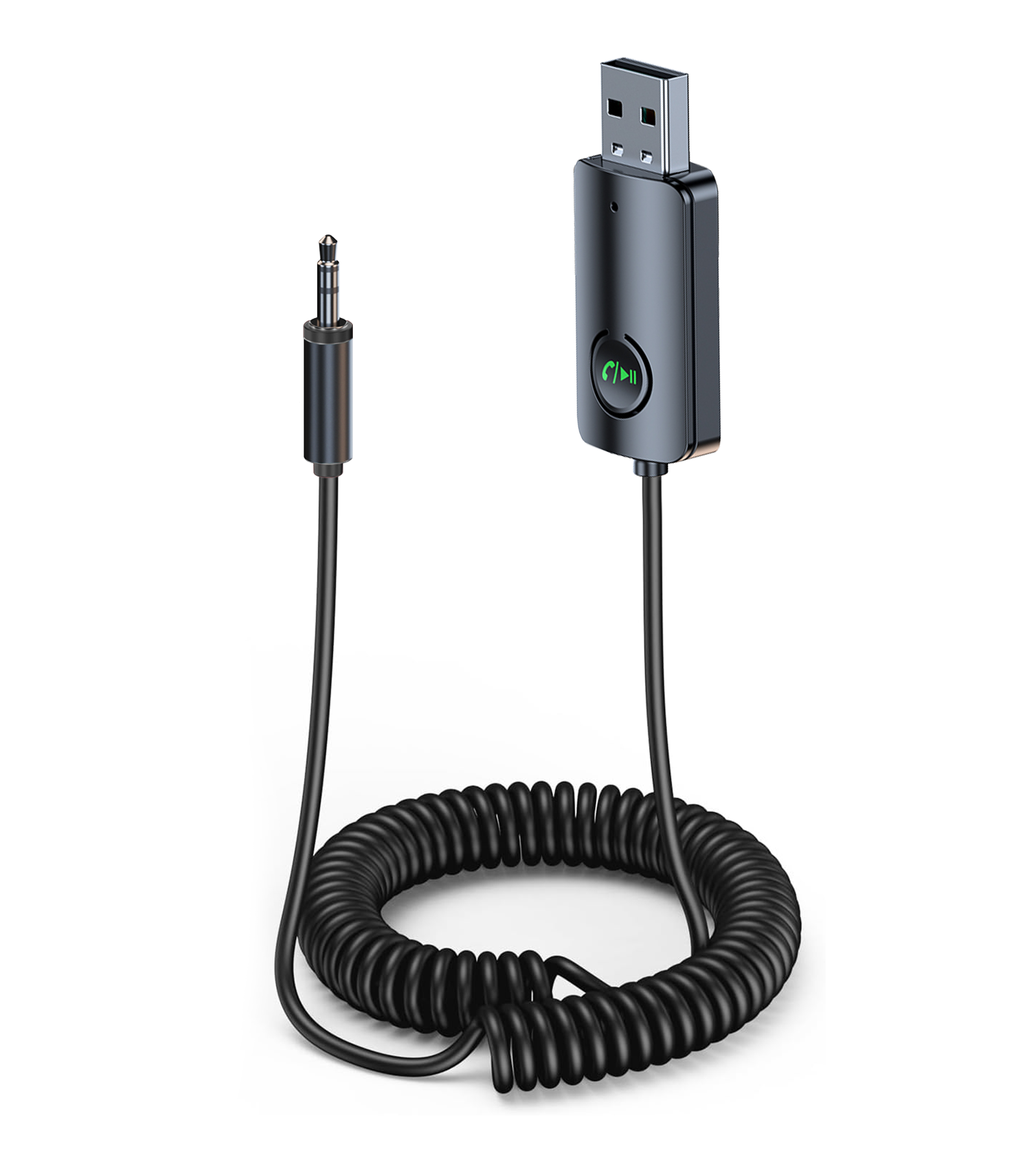
- HANDS-FREE CAR KIT WITH NOISE CANCELLATION: Bluetooth audio transmitter turns your car into a smart wireless hub! Plug into your AUX port for instant Bluetooth connectivity. The built-in microphone + CVC noise cancellation ensures clear calls, even on busy streets. Answer/end calls or play/pause music with one button.
- UNIVERSAL PLUG & PLAY COMPATIBILITY: No apps or complicated setup needed. Just plug the Bluetooth airplane adaptor into any device with a 3.5mm AUX jack—airplanes, cars, TVs, speakers, treadmills, and even vintage stereos—and hit play. Works seamlessly with AirPods (all generations), AirPods Pro, and AirPods Max, Bluetooth headphones & speakers, iPhones, Android phones, tablets, and more.
- QUICK TIP FOR AIRPODS USERS: Having pairing issues? For AirPods (1st, 2nd, 3rd gen) or AirPods Pro, hold the button on the back of the case until the light flashes white. For AirPods 4, double-tap the front of the case. Still stuck? Search “AirPods pairing issues” for Apple’s official guide.

You must be logged in to post a review.
Related products
-
-25%
Airplane Bluetooth Adapter for 2 AirPods Headphones or BT Devices, Bluetooth Transmitter for TV Dual Link Low Latency, Wireless AUX Adapter Receiver for Speakers/Car Stereo, KAIY Transmitter Receiver
Original price was: $15.99.$11.99Current price is: $11.99. -
-34%
Bluetooth Transmitter Receiver Aux Adapter, Low Latency Dual Link Airplane Bluetooth Adapter for Headphones/TV/Car/PC/Gym/Home Stereo, Wireless Audio Receivers with Noise Cancelling Mic
Original price was: $19.99.$13.29Current price is: $13.29. -
-17%
Bluetooth Receiver for Car AUX, Hands-Free Calling & Music Bluetooth Audio Receiver for Car USB-Powered, 3.5mm Adapter USB 2.0 to 3.5mm Jack Compatible with Speakers/Home Stereo
Original price was: $11.99.$9.99Current price is: $9.99. -
-31%
Bluetooth Transmitter Receiver 2 in 1, Low Latency AUX Adapter with LCD Screen, Airplane Bluetooth Adapter for Headphones Airplane/TV/PC/Car/Home Stereo, Wireless Audio Receivers Adapters
Original price was: $19.99.$13.79Current price is: $13.79. -
-13%
Clip On Bluetooth Speaker, Wearable Portable Speaker Bluetooth with Handsfree Call, Small Outdoor Speakers with IPX6 Waterproof and Dustproof, 10 Hour Perfect for Running Hiking, Yellow
Original price was: $15.99.$13.99Current price is: $13.99.


Reviews
There are no reviews yet.